Laravel Cloud Migration: What Teams Need to Know
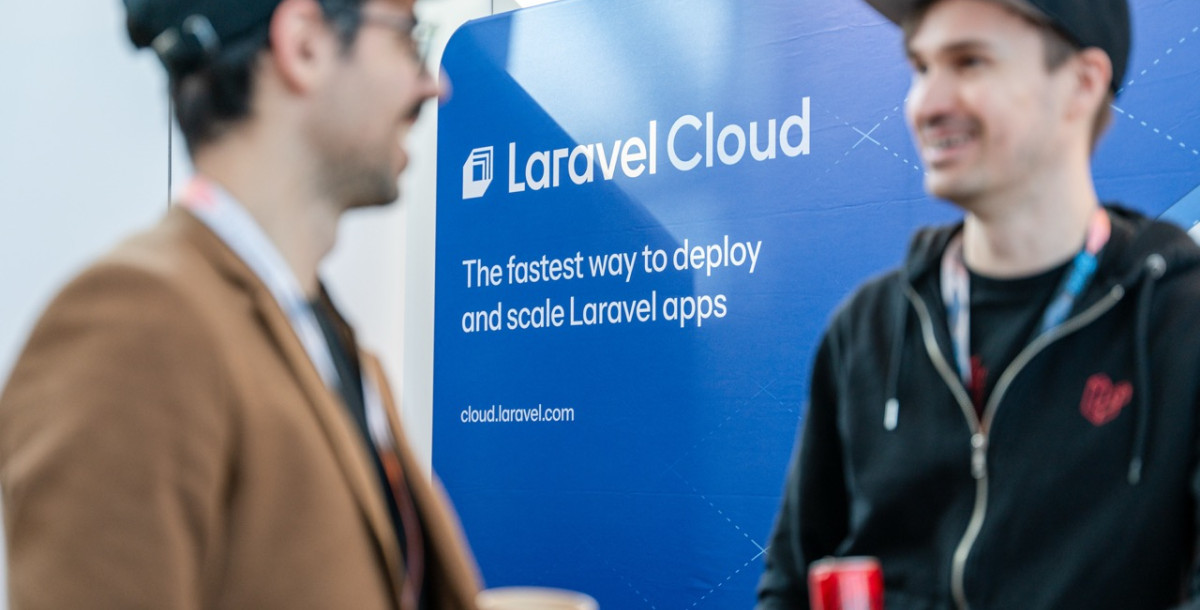
"What will break, and how long are we down?" That is often one of the first thing a client asks me when we start talking about moving a Laravel app onto Laravel Cloud.
A migration means moving an existing application off its current hosting (shared, Forge, a VPS or another PaaS) and onto Laravel Cloud, the managed platform built by the Laravel team. For most applications it is a few days of preparation, one carefully timed cutover, and a lot less server admin afterwards.
When we took Rodericks Dental Partners through this, the team on their side was not asking "should we move?". He was asking what was the plan for the migration day, and where is the risk.
Key Takeaways
Laravel Cloud launched publicly in February 2025 and runs applications on managed infrastructure with a Cloudflare-backed edge network, so you stop patching servers yourself.
The three common starting points are shared hosting, Forge or a VPS, and another PaaS such as Vapor or Heroku. Each has a different level of migration effort.
Dropping your DNS TTL to 300 seconds at least 24 hours before cutover is the single cheapest way to cut switchover downtime.
A typical agency-led migration follows five stages: audit, environment setup, data and asset transfer, parallel testing, and cutover.
What is Laravel Cloud and why teams are moving to it
Laravel Cloud is the official hosting platform for Laravel applications, built and run by the Laravel team. You connect a Git repository, and the platform provisions compute, databases, caching, queues and an edge network for you. Scaling is a slider rather than a ticket to your infrastructure provider.
If you want the plain-English version of the framework itself first, our piece on Laravel explained in three minutes covers what modern Laravel infrastructure looks like and why the framework has become the default choice for so many UK businesses.
So why are teams moving now?
The first is people. Most organisations running Laravel do not have a dedicated DevOps engineer, and the person who set up the server five years ago has often left.
The second is cost predictability. Servers that sit idle at 3am still cost money, and Laravel Cloud offers hibernation for low-traffic environments so staging and preview sites cost close to nothing when nobody is using them.
The third is alignment. When the platform and the framework are built by the same folk, features like queue workers, scheduled tasks and storage arrive already configured the way the Laravel documentation describes them.
nielsluigjes-00652-large.jpeg)
Talk to us about your Laravel Cloud migration
Looking to lower your costs, and scale your Laravel application with ease?
Common migration scenarios (from shared hosting, from Forge/VPS, from another PaaS)
When we speak to a client about a Laravel hosting migration we always ask where are you coming from? The answer changes the effort more than the size of the codebase does.
From shared hosting. This is usually the biggest jump and the biggest win. Shared hosts often run older PHP versions, restrict long-running processes, and store uploads on the same disk as the code. Expect to upgrade PHP (Laravel 11 and 12 require PHP 8.2 or higher), move uploads to object storage, and replace any cron-based hacks with Laravel's scheduler.
From Forge or a VPS. These applications are usually in better shape. The code already deploys via Git, environment variables live in a .env file, and queues run through Supervisor. The work here is mostly translation: mapping your Forge or server config onto Laravel Cloud's environment settings, and checking for anything that assumes a single persistent server, such as sessions stored on disk or file caching.
From another PaaS. Teams coming from Vapor, Heroku or a similar platform have already solved the stateless application problem. Their migration is often the fastest. The focus shifts to database export and import, re-pointing third-party services and webhooks, and making sure build steps (Vite, Node versions, Composer flags) match.
We have taken sites such as Shorefield and Rodericks Dental Partners through this process. In both cases the scenario, rather than the codebase, decided the plan.
Risks and things to check before migrating
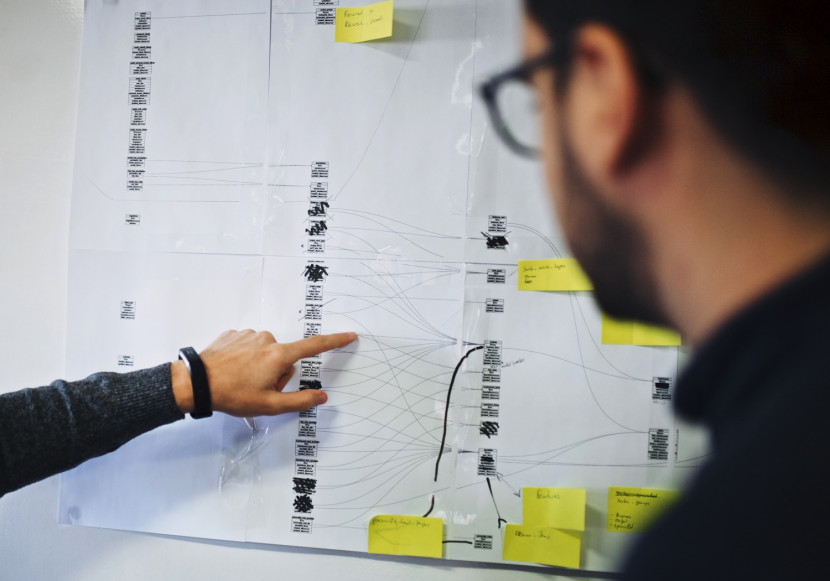
A Laravel cloud migration is not risky in the way a full rebuild is risky. The code does not change much. The risk sits in the surrounding pieces: DNS, data, files and anything that talks to your application from outside.
Here are the two areas that cause the most trouble.
Downtime and DNS cutover
When you point your domain at Laravel Cloud, the change takes time to spread across the internet. How long depends on your TTL (time to live) setting. If your TTL is 86,400 seconds, some visitors will keep hitting your old server for up to a day. If it is 300 seconds, that window drops to five minutes.
So the checklist is short.
Lower the TTL at least 24 hours before cutover.
Confirm your SSL certificate will issue on Laravel Cloud before you switch. The platform handles this, but you want to see it work on a preview domain first.
Put the old application into read-only or maintenance mode at the moment you change DNS, so nobody writes data to a database you are about to abandon.
Keep the old environment alive for a few days afterwards as a fallback.
Do that and downtime is typically a few seconds, not a few hours.
Database and asset migration
Laravel Cloud offers managed Postgres and MySQL. If you are already on MySQL, the move is an export and import with a final delta sync at cutover. If you are switching engines, budget proper testing time, because subtle differences in date handling, case sensitivity and JSON columns will surface in production if you skip it.
Assets are another consideration; any application that stores uploads in storage/app/public or public/uploads is relying on a persistent local disk. Laravel Cloud, like most modern platforms, treats the filesystem as disposable. Those files need to move to object storage, and your code needs to use Laravel's filesystem abstraction so it does not care where they live. Laravel's filesystem documentation covers the driver configuration; the migration work is copying existing files across and updating any hard-coded paths.
Check queues, scheduled jobs and outbound webhooks at the same time. Third parties like Stripe or Mailgun may need your new endpoint, and a queue worker that is not running will fail silently.
Benefits of Laravel Cloud once migrated
The day after cutover is usually quiet. That is the point.
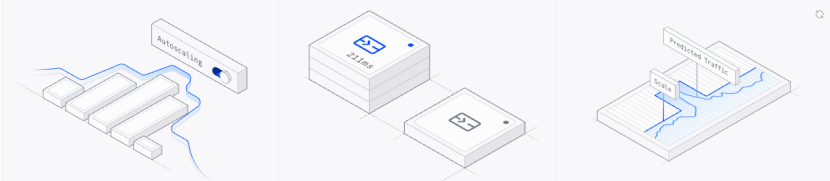
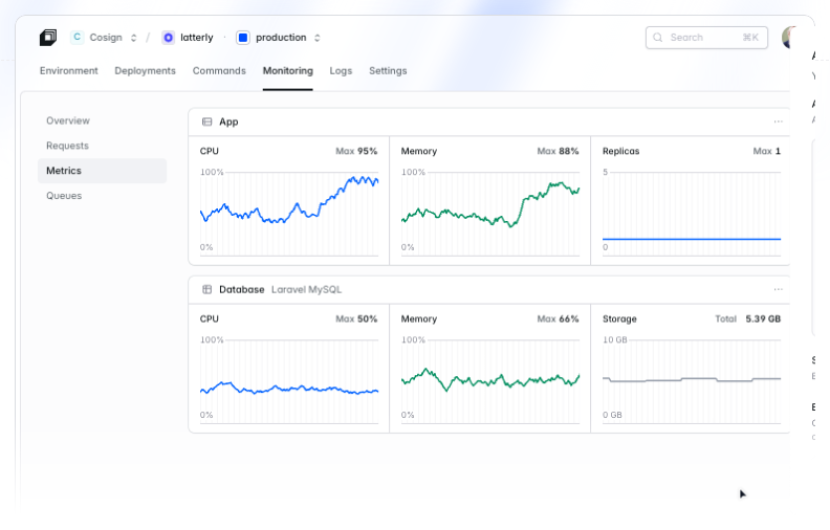
Deployments become a push to a branch. Preview environments spin up from pull requests, so your team can review real features on real URLs before they merge. Queue workers and the scheduler are managed services rather than processes you hope Supervisor restarted. Autoscaling means a busy renewal period or product launch is absorbed rather than survived.
For the decision-maker rather than the developer, the benefit shows up in a different column. Fewer emergency calls about disk space. No more "who has the server password?" moments. A clearer monthly bill that tracks what you actually use, including hibernated environments that cost almost nothing while idle.
Laravel deployment stops being a specialist skill held by one person and becomes something the whole team can do safely. For organisations where the website or platform is central to how members, customers or patients interact with you, that resilience matters more than any single feature.
What a migration typically involves working with an agency
Most teams could do a Laravel Cloud migration themselves. The question is whether they want to spend their own engineering time learning the platform on a live application.
When we run one, it follows five stages.
Audit. We read the codebase, the server config and the
.env, and list everything that assumes the current environment: local storage, disk sessions, hard-coded paths, cron jobs, PHP version, third-party integrations.Environment setup. We create the Laravel Cloud environments (production, staging, preview), configure the database, cache, queues and storage, and deploy the current code to a preview domain.
Data and asset transfer. Initial database import, asset sync to object storage, and a comparison against the source to confirm nothing is missing.
Parallel testing. Your team uses the preview environment for real tasks. We fix what surfaces. This is where the migration earns its keep.
Cutover. TTL already lowered, maintenance mode on, final data sync, DNS switch, monitoring, old environment kept warm as a fallback.
After cutover, some teams move onto a care and growth plan so the platform keeps improving rather than just staying up.
The whole process is less about clever engineering and more about being methodical. Migrations go wrong when a step gets skipped, not when the code is complicated.
Next steps
If you are weighing up a move, start with three things before you talk to anyone.
Find out where your uploads live. Check your current PHP version against what your Laravel version needs. Write down every external service that calls your application, because each one will need a new address.
Those three answers tell you which scenario you are in and roughly how much work sits ahead.
You can spend your own engineering time learning the platform on a live app, or you can hand us the messy bits and keep your team on the product. If you would rather the second, talk to us about your Laravel Cloud migration and we will map your starting point together.

FAQ
How long does a Laravel Cloud migration take?
Most Laravel Cloud migrations take between a few days and two weeks, depending on your starting point. Applications already on Forge or another PaaS are faster. Shared hosting moves take longer because of PHP upgrades and asset changes.
Will my site go down during the migration to Laravel Cloud?
Downtime is usually a few minutes if you lower your DNS TTL in advance and use maintenance mode during the final data sync. Keeping the old environment running for a few days gives you a fallback if something unexpected appears.
Can I move from Laravel Forge to Laravel Cloud?
Yes, and it is one of the smoother scenarios. Your code already deploys via Git, so the work is mapping server config to Laravel Cloud environment settings and moving any disk-based sessions, caches or uploads to managed services.
Do I need to change my database to migrate to Laravel Cloud?
No, Laravel Cloud offers managed MySQL and Postgres, so you can stay on your current engine. Switching engines is possible but needs proper testing time for differences in date handling, case sensitivity and JSON columns.
What happens to my file uploads when I move to Laravel Cloud?
They need to move to object storage, because Laravel Cloud treats the local filesystem as disposable. Your code should use Laravel's filesystem abstraction so it does not depend on where files are stored.
Is Laravel Cloud cheaper than a VPS?
It depends on your traffic pattern and how much time your team spends on server admin. Hibernation for idle environments and managed queues and databases often reduce total cost, even where raw compute costs are similar.
More Articles
How Much Does a Membership Website Cost?
Get a clear, honest breakdown of what drives membership website costs, so you can budget accurately before you build.

Laravel vs Node.js: Which Is Better for Your Web App?
Choosing between Laravel and Node.js for your next web app? Compare performance, ecosystem and hiring considerations.

Why I'm Going to Blue Earth Summit 2026
I'm at Blue Earth Summit 2026, Woolwich Works, 14 to 16 October, to meet purpose-led organisations and turn our B Corp commitments into action.